Defensive Edge: Adapting Red Team Hardware for IR
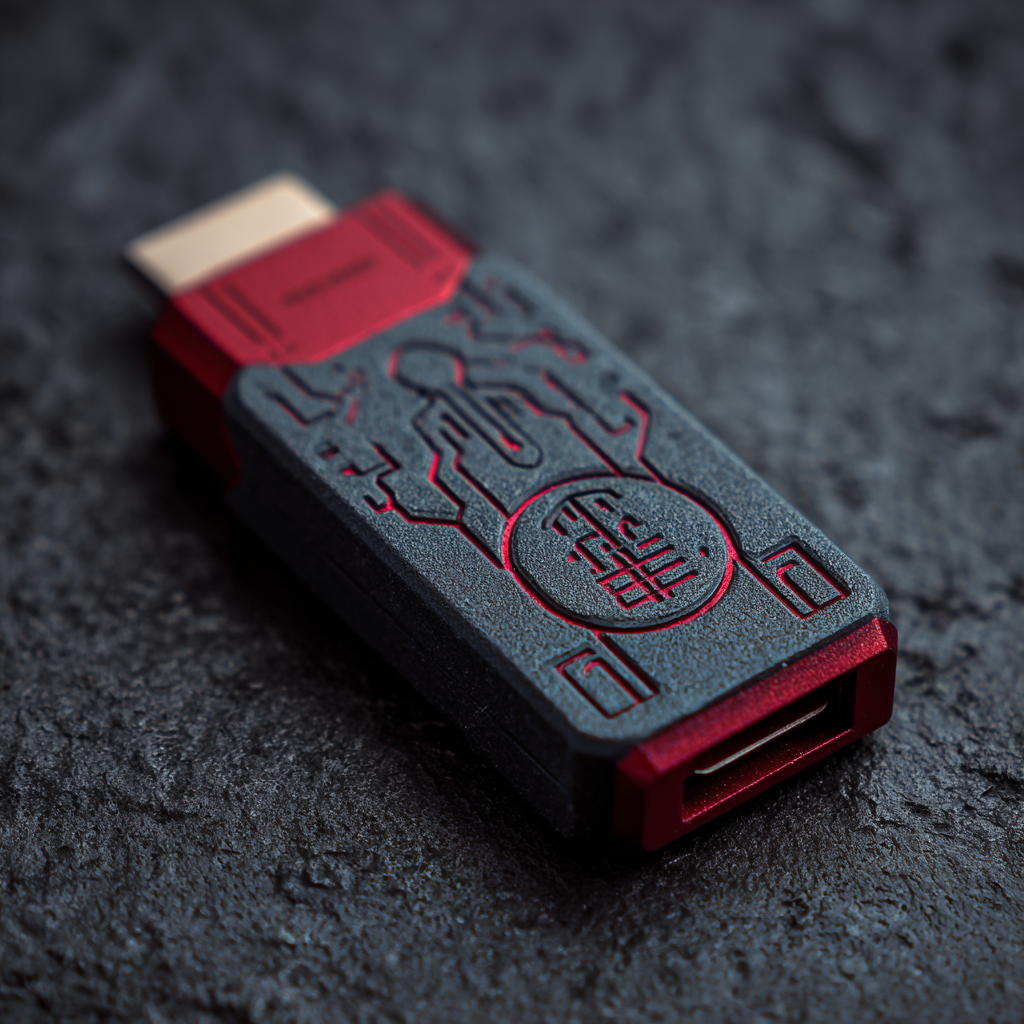
Background: Red team specialists often use specialized hardware during operations. However, don't worry—this hardware isn't exclusive to red teams. Incident responders also can use some of hardware during certain stages of incident response.
Main Section:
In this example, we'll examine a hardware tool called Bash Bunny. Its purpose is to emulate a Human Interface Device (HID) and inject keystrokes, which allows red team specialists to achieve their objectives.
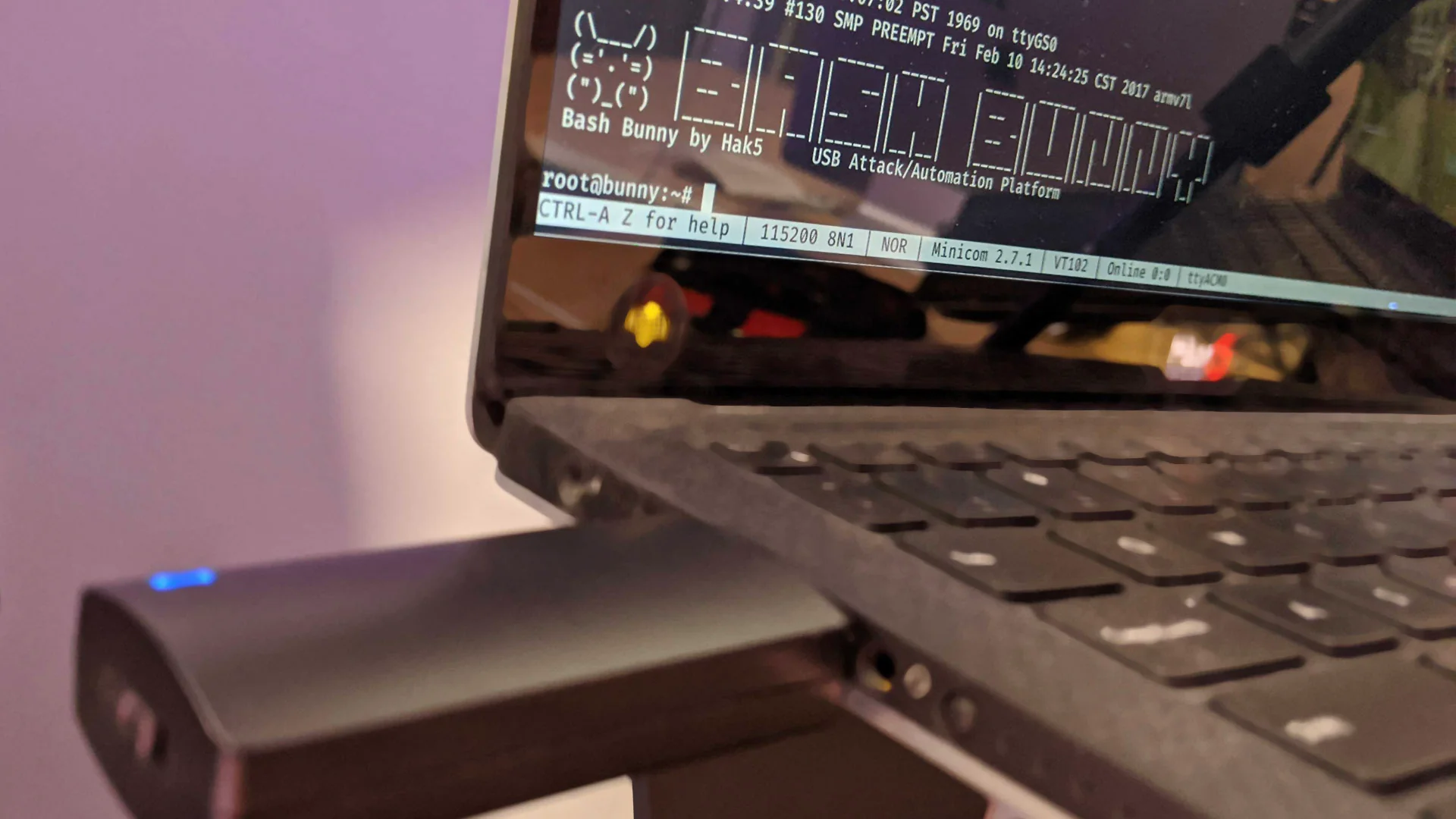
This tool has two modes and can only execute two payloads. This limitation is challenging for red teamers because operating systems vary by case, and maintainers must update the payload each time.
Tool leveraging in IR stage: During incident response, it may be necessary to run tools on a machine to collect artifacts that are important for investigation and understanding the root cause. To achieve this, we can automate tools for investigation purposes or even to eradicate threats, such as malware.
Challenges: One of the challenges for us as IR specialists is that our capacity is limited—in this example, we can only run two payloads. But what if the affected machines have a large blast radius and involve Windows, macOS, and Linux systems?
In this situation, we can use a Bash Bunny technique where we leverage conditional ECM_ETHERNET and RNDIS_ETHERNET capabilities to detect the type of machine it's connected to. Based on the detected machine type, the script will execute the appropriate action for that specific operating system.
LED SETUP

# Try ECM_ETHERNET first (Linux/Mac/Android)
ATTACKMODE ECM_ETHERNET
sleep 3

if [ -f /sys/class/net/usb0/carrier ] && [ "$(cat /sys/class/net/usb0/carrier)" -eq 1 ]; then
  LED G SOLID
  echo "OS: Linux/Mac/Android" > /root/udisk/os.txt
  LED FINISH
  exit 0
fi

# If not connected, try RNDIS_ETHERNET (Windows)
ATTACKMODE RNDIS_ETHERNET
sleep 3

if [ -f /sys/class/net/usb0/carrier ] && [ "$(cat /sys/class/net/usb0/carrier)" -eq 1 ]; then
  LED B SOLID
  echo "OS: Windows" > /root/udisk/os.txt
else
  LED R SOLID  # Red for Unknown
  echo "OS: Unknown" > /root/udisk/os.txt
fi

LED FINISH
If we incorporate this code into our payload's conditional logic, we can perform different actions such as running specific artifact collectors or removing malware payloads.
Another challenge is the fact that it cannot bypass the UAC (User Account Control) process. Another one is the limitation of syntax capabilities, and to bypass those limits you can use a separate PS (PowerShell) file, for example, to run this file from USB using payload syntax. But this will give you another challenge: what if PS1 execution is restricted and it needs to be signed? One of the methods to pass those challenges would be necessary to run the payload from an administrator account.
Conclusion: Not all red team tools can be leveraged by IR team specialists. Additionally, the scope of available tools is limited for such purposes. However, the Bash Bunny example demonstrates that it is applicable. But before leveraging such tools, we need to have playbooks and pre-prepared scenarios at the technical level.