Timeline Analysis for Kubernetes Security: Identifying Supply Chain Compromises Through Threat Hunting
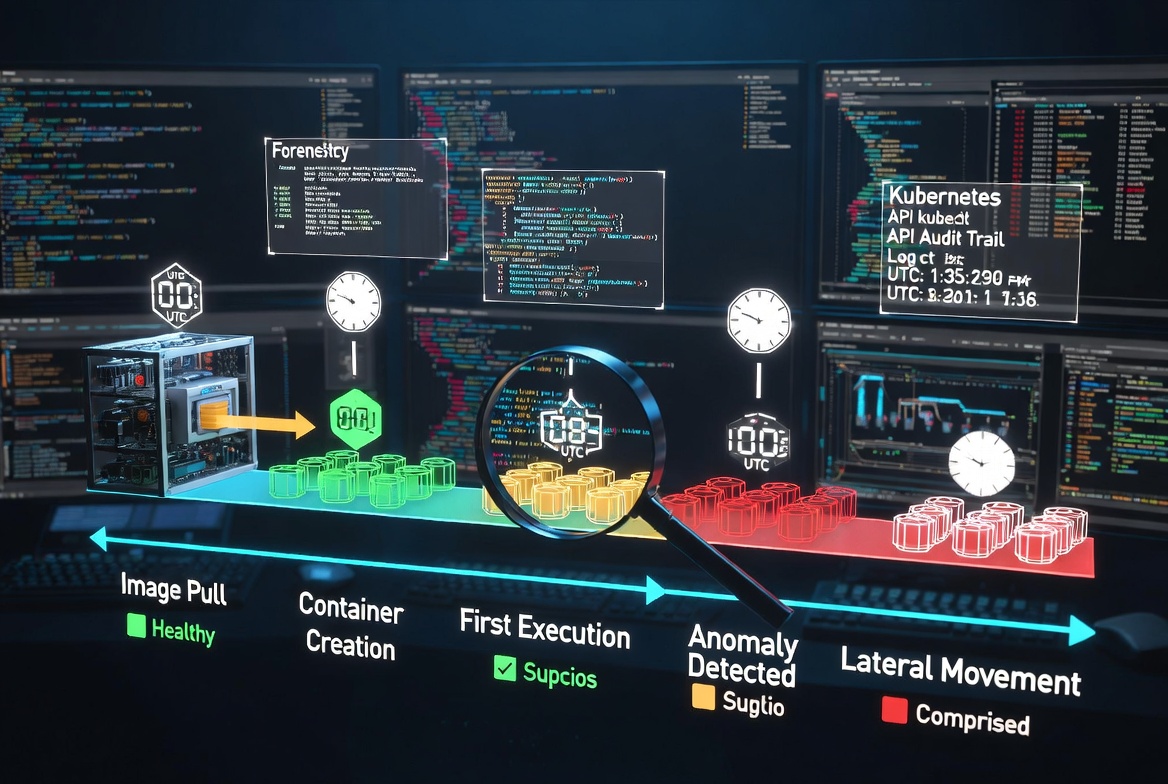
Background: As we continue our journey through action reconstruction in Kubernetes, we have already discussed one of the forensic methods for supply chain attack investigation at the pod level. Now, let's look into another important part of every investigation, which is highly valuable. The name of this metadata is Timeline.
Method: It is no secret that a well-constructed timeline can provide a strong forensic approach to narrow down our search. To obtain these results using kubectl, simply use the describe command to retrieve valuable metadata and insights.
kubectl describe pods -n YOURNAMESPACE
Because a pod can contain multiple containers, you should examine the Containers section in the output . This will be the key to your investigation.

Inside the Containers section, you can see two important fields for each container:
- Started At – shows exactly when the current container instance was started.
- Restart Count – indicates how many times the container has been restarted.
These values are key to answering the critical forensic questions: “When did the process(pod creation) actually started?” and “How many times was this container restarted before the current instance?”

We have already mentioned that a pod can contain multiple containers. Now, let’s check when the pod itself — as the parent Kubernetes object — was started. This information can be found at the top level of the kubectl describe pod command output, under the State section. Look for the Start Time field, which shows the exact timestamp when the pod was created and started by the Kubernetes control plane.

Conclusion: If you want to solve the puzzle and accurately reconstruct the sequence of activities in Kubernetes, the timeline of when the pod, node, and other Kubernetes objects were started is extremely important. It helps you narrow down the scope of your threat hunt.
For example, if you know that a particular solution or image was a victim of a supply chain attack during a specific time range, this approach allows you to quickly check whether your environment was impacted and verify the exact timing of events.